Copyright and Attribution

Reflection on Copyright

After learning about the basics of copyright I was a bit relived that it was easier to understand than I thought it would be. I was always afraid of using someones work and not properly giving them credit. As discussed previously in this class, it is important to allow the use of openness on the internet, but that doesn’t mean not giving credit. With a copyright, one can choose how they wish to be credited for their work while still allowing for that openness. It is also important that fair-use allows for limited use of a copyrighted material for criticism, commentary, education, parody, and news.
For my website I used CC BY-NC-SA 4.0 because I still want to keep the internet open. This copyright license allows for my work to be used by others under creative commons (CC) with the exception of commercial use. It also means that if others do use my work they have to follow the same copyright license.

Ethical Use of Others Work

Maintaining the openness of the internet means allowing the proper credit of those who’s works you have used. One of the biggest frustrations amongst copyright work is fair-use because it allows for criticism. Without it though, differing opinions would be silenced which would make the internet a very different place than it is today. Additionally, respecting ones copyright license offers more validity to the work done as it allows for a more credible reputation.
Images found on CreativeComons.org through Openverse.
Image 1 (Copyright Logo)
Image 2 (Cat on Computer)

Me Right Now

cat sitting on top of a computer
“Cats & Gadgets” by mseckington is licensed under CC BY 2.0.

Copyright and Attribution

Search

Proudly powered by WordPress

A picture of of orange butterfly sitting on white and blue flowers.
Image by Erik Kartis from Pixaby

Reflection on Copyright License

After careful time considering my options, I decided that the all rights reserved license would be best for me. This is because this license would give me full control over how my work is used. “All rights reserved” means that no one can share, modify, copy, or display an owner’s work without their permission. This would prevent anybody from using my work in a way I’m not comfortable with. I felt this would be best if I wanted to use this website in the future for personal projects without anyone using my work without my direct permission.

Ethical Use of the Work of Others

It’s always important to use other people’s work responsibly and ethically. Always make sure that you have the proper permission to use someone’s work before you do. If you do have the proper permission, always make sure to credit the author or authors of the work. It’s important to give the people the credit they deserve and acknowledge the hard work they put into their projects. When you don’t give credit, it can cause your own work to be confused for someone else’s work.

Images and Tribulations

Three small blue stars
Artist: Ally Miller

The First Masterpiece

If you squint really hard, you’ll see a trio of stars above these words and up within the browser tab of this website. Those would be the stars that I designed myself, to be the designated favicon of this website. Pretty cool, right?

Header that reads "Ally's Landing" "NOT just another wordpress site". Lists different header tabs. Blue lumpy shapes along left and right sides.
Artist: Ally Miller

The Second Creation

It may surprise you to know that I am also the artist behind my header there. See those blue, warped shapes? Yep. All me.

I decided on these visuals because I wanted something that would only add to the visual appeal of the website, and not be too distracting. My favorite color is blue, and I spent a bunch of time messing around with the different tools on Affinity to figure out what I liked most. Do I have about five or six versions of each of these on my computer now? Yes. But that is just what comes with experimenting on here.

My Process

Learning how to create images on Affinity had a massive learning curve. I first had to figure out the ideal size of the piece I was creating for my website by looking at different aspect ratios of typical favicon and headers. Then, I would create a document with a transparent background on the program and add whatever I was imagining. I was particularly attached to the shapes tool, where you clicked a shape and could create a bunch of them at once.

Trial and Error

If I had to describe this process in three words… it would be that. When I finally uploaded my favicon stars to my website, I realized that they had poor contrast depending on the theme you use. I had to go back in and figure out how to add outlines to them, so that they would be properly visible for everyone.

I had to get creative with my shapes aside from just changing the shape color for my banner, too. This is when I discovered the glorious “warp” tool. Suddenly, I was able to move and adjust my shapes to be a little more abnormal, a little more visually interesting. Once I got things where I wanted them, I was ready to export!

Taking them Home

I quickly discovered that if you downloaded illustrations with transparent backgrounds as JPEGs, they would auto fill the background as white. This made my favicon very ugly, so I learned that PNGs were the way to go. Both of my creations were saved as PNGs which led to a pretty seamless application when I was putting things where they needed to go.

One more Issue…

By seamless, I mean that the favicon went great, and the banner tried my patience for a very long time. Long story short, I had to adjust the pixel size of my piece several times so that it would not look grainy, and fill the space properly. It took a while, but it is looking pretty up to par with everything else.

Now? I think my site is coming along well, and I am pretty satisfied with how things turned out despite my image difficulties.

Copyright and Creative Commons

High contrast shot of a tiger
Image by Edyta Stawiarska from Pixabay
Beautiful woman brushing hair by her ear with gentle afternoon sunlight.
Image by Shima Abedinzade from Pixabay

Why CC BY

I chose CC BY as the copyright for my site as I don’t necessarily care what people do with my work, but I would at least like to be credited. It also allows those who use my work to express their creativity in just about any way they want. Most of the reason I want to be credited is just so someone doesn’t take my efforts and pass them off as their own.

Ethical Use

Being on the internet means being in constant contact with others digital or intellectual property. Just like in real life you can’t just snatch up others work without permission from the person who created it. How would you like it if someone walked up and took your fruit snacks without asking? You may be willing to share with that person, but they have to be respectful first. Similarly to etiquette in real life, Creative Commons allow us to identify how much the creator is allowing us to do with their property.

Copyright and Attribution

Reflection on Copyright

When choosing “all rights reserved,” I gain full legal control over my work. In this case, I would not be able to waive rights like the public domain or use Creative Commons to give permissions. The reflection of various copyrights helped me discover that if a creator is not ready for others to use their work, it is best to use the traditional “all rights reserved” because they gain legal authority to prosecute those who use their work against their wishes. This choice contradicts public domain, which contain works that are free for anyone to use without permission, and when copyright expires (70 years), they are automatically entered into public domain.

Ethically Use Work of Others

When using other creator’s work ethically, it usually requires going through “slushy” fair use exceptions for transformative purposes. Knowing this, it’s best to keep in mind that no usage or transformative purpose is 100% guaranteed to be legally protected. When proactively understanding and defending your creative rights, it helps stay clear when automated platform checkers fail to recognize the exceptions.

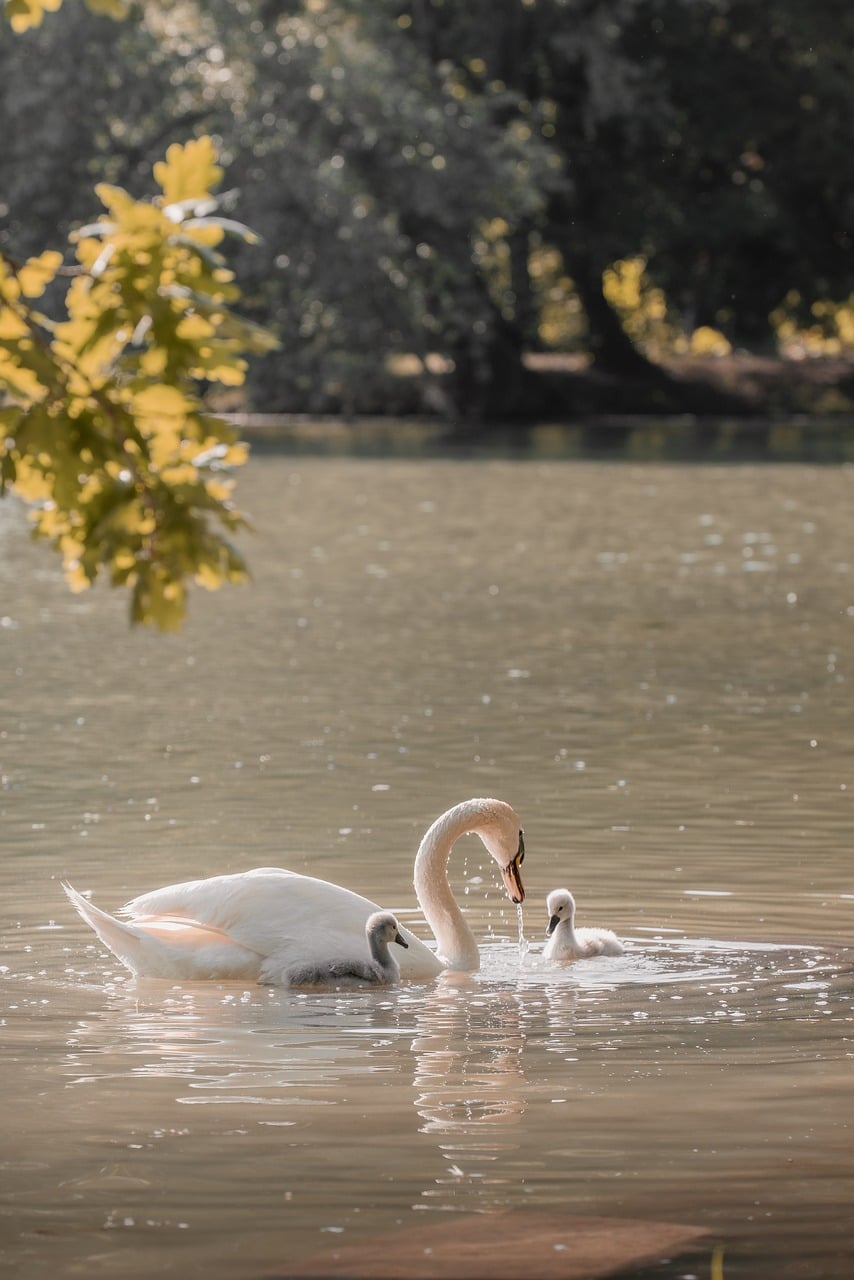
White Swan with babies in a pond with green landscape.
Creator unknown. Media found on DKC Free Media Resources
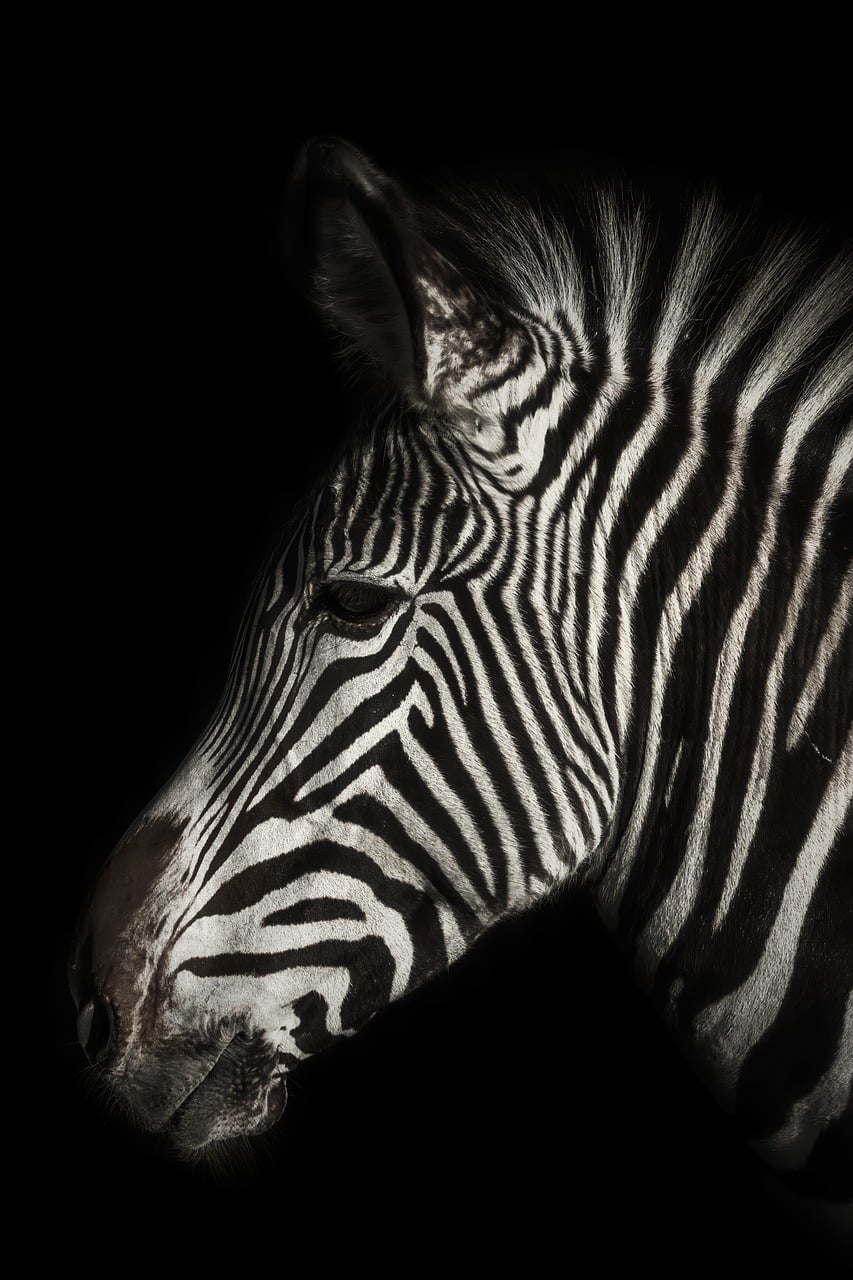
Side profile of a zebra with a black background.
Creator unknown. Media found on DKC Free Media Resources

Copyright, Creative Commons, and Giving Credit

My Copyright License Choice

For my website, I chose the Creative Commons Attribution-NonCommercial 4.0 license, also known as CC BY-NC 4.0. I chose this license because I want people to be able to share and build on my work as long as they give me credit. At the same time, I do not want other people to use my work for commercial purposes without my permission. Since this website is part of my academic and professional portfolio, I think this license gives me a good balance between sharing my work and still having some control over how it is used. It also makes it clear to visitors what they are allowed to do with the content I create.

Black-and-white photo of physics textbooks stacked on a table.
“physics” by Hash Milhan, licensed under CC BY 2.0, via Flickr.

Using Other People’s Work Ethically

Using someone else’s work online comes with the responsibility of giving proper credit. Just because an image can be found on the internet does not mean that anyone can use it without checking the copyright or license first. Before using an image, I should make sure that the creator has given permission for it to be shared and follow any conditions connected to the license. Giving attribution is important because it recognizes the person who originally created the work and helps other people find the original source. This project helped me understand that copyright is not only about protecting my own work, but also about respecting the work of others.

Colorful space background covered with mathematics and physics equations and diagrams.
“The universe of mathematics, physic and astronomy it’s amazing….” by aguayo_samuel, dedicated to the public domain under CC0, via Flickr.

Copyright Attribution

Image licensed through Canva Pro

Why CC-BY-NC-ND

I own my own business and have my own website for that business. If I were building the site today, I would choose this designation because it is a commercial site, and my photographer has licensed me to use the images on the site. My content can be shared for non-commercial use and cannot be adapted, but it must be credited to me. I also create graphics for my business and the site, which I do not want another popcorn company to use without attribution.

Creative Commons

Using the work of others ethically

Image licensed through Canva Pro

I have run into copyright issues in product development and marketing my business. I have spent a small fortune on photography and have a license to use it on my website, graphics, posters, social media, and signs. I cannot sell those images. I also developed a product to sell. I hired an artist to create the design. However, after the fact, when I told the artist I wanted to use the image on a product to sell, we got into a heated discussion about the license to use the art in that manner, which was the reason for hiring her in the first place. I expected to own the image, which in this case was not true. I learned my lesson about how to use images in my business. Going forward I scrutinize the written agreement to be certain I can use the image in an agreed manner.

Copyright and Attribution 101

Copyright and My License

Copyright is the legal protection of creative work. When using a form of media that was created by someone else, it is important to give that creator credit even if it happens to be copyright free. There is also media that is considered protected where a fee must be paid to have full access to the picture or video. If not, many forms of media leave a watermark or lower the quality of the media to protect the creator’s work. There are ways to still get media to use without worrying about copyright restrictions. Public domain works offers media that is free for public use, but it is still important to credit those who created said media. For my license, I decided to use “all rights reserved” for my website to protect my work and prevent it from being recirculated without my permission.

Man hiking in knee-deep snow under the starry night sky.
Photo by: Borchee.
Found on: Here

Using Someone’s Work the Right Way

Attribution is known as the practice of giving credit to original creator of any form of content. Using attribution is important as it’s transparent and gives the necessary credit to original creator. Most creators will let others know how they would like to be credited or if they even want their work reused. The actual process of giving credit is very simple as seen through the images shared. DKC Free Media Resources is a resource that now I have access to so I can add pictures or videos to add to my posts.

Mountain covered with a coniferous fir tree forest. Scenic landscape from Carpathian Mountains in Romania
Photo by: Cristi Croitoru. Found on: Here

Open Doors on the Web: Copyright, Attribution, and Credit

Red and green moth drawing
Image by Mal from Pixabay

Copyright and Content Ownership

My Reflections on Copyright


When most people hear the words “All rights reserved” or “Copyright,” they usually just think of a legal warning that flashes on a movie screen or a tiny symbol at the bottom of a major corporate website. In general, copyright is a legal rule meant to give creators complete ownership over the stuff they make. The main idea makes total sense: if you spend your own time, energy, and brainpower writing a post, taking a picture, or programming code, you should be the one who gets to decide how it is used. It is supposed to protect people’s hard work and stop others from just stealing it or monetizing it without asking permission first. Without copyright, artists and writers wouldn’t have a reliable way to protect their livelihoods, which would make it really hard for people to keep creating cool things full-time.

Choosing My License

When choosing a license for this blog, I landed on the Creative Commons Attribution 4.0 International (CC BY 4.0) license. I chose this specific one because I really want people to feel like they can share my content or build on my ideas without jumping through hoops. At the same time, I put a lot of work into my classes, so I don’t want people just using my stuff without anyone recognizing where it came from. The “BY” part of the license gives me that peace of mind because it requires anyone who takes my content to give me clear credit as the creator, which feels like a fair trade to me.

Green-and-yellow moth drawing with flowers.
Image by Mal from Pixabay

Responsible Sharing and Digital Citizenship

The Ethics of Using Open Media

Being ethical about using other people’s media is honestly just about basic respect. It is incredibly easy to just download an image from Google and throw it on a webpage, but that ignores all the time and labor someone else put into creating it. Part of being a good digital citizen means making the effort to find media that creators actually want you to use. It’s not just a rule we have to follow for class; it’s about treating other creators the way we want our own work to be treated on the open web.

There is a big difference between just trying to follow the rules so you don’t get in trouble for an assignment, and actually being an honest creator online. If I am setting up a Creative Commons license on my own site and expecting people to respect my boundaries, I have to hold myself to that exact same standard. Sourcing from copyright-free platforms or public domains forces me to think critically about where my media comes from instead of just taking the easy way out. We are constantly interacting with a global community of artists and writers, and giving them visibility for their hard work is just the right thing to do.

css.php